Self-Operating Computer
Open-source AI agent that operates your computer through screen vision and mouse/keyboard control.

Áttekintés
Fő funkciók
- Screenshot-based screen understanding
- Automated mouse and keyboard control
- Multi-model support (GPT-4, Gemini, Claude, LLaVA)
- Natural language task prompts
- Cross-platform desktop compatibility
- Open-source, extensible codebase
Felhasználási esetek
Prototype autonomous computer-use agents
Researchers and developers can experiment with vision-based AI agents that perceive the screen and control mouse and keyboard to complete user-defined desktop tasks.
Automate cross-application workflows
Use natural language prompts to drive sequences across browsers and native apps, since the framework operates any program visually rather than relying on APIs.
Benchmark multimodal models on UI tasks
Compare GPT-4 with vision, Gemini, Claude, and LLaVA on identical screen-control tasks to evaluate accuracy, speed, and cost trade-offs.
Extend an open-source agent framework
Fork and modify the codebase to add new models, tools, or task strategies, building custom autonomous agents on top of a working foundation.
Előnyök és hátrányok
Előnyök
- Free and open source
- Works with multiple vision-capable LLMs
- Controls any visible application, not just web
- Useful base for agent research and experimentation
Hátrányok
- Accuracy depends heavily on the chosen model
- Requires technical setup via terminal
- Can be slow and make UI mistakes
- API usage costs can add up on long tasks
Értékelések
Átlag 6 értékelésből.
Jelentkezz be értékelés írásához.
Victor Nguyen
Does the job
Pretty happy overall. Cross-platform desktop compatibility just works and controls any visible application, not just web. but no dealbreakers — I'd recommend it to a friend without hesitating.
Nadia Petrova
Years in this space
I've evaluated a lot of these over the years. What stands out here is cross-platform desktop compatibility — handled better than most — and free and open source. Worth the time if this is your use case.
Gunnar Eriksson
Compared a few options
Evaluated this against two competitors. Where it wins: cross-platform desktop compatibility and works with multiple vision-capable LLMs. Where it lags: requires technical setup via terminal. On balance the feature set — especially automated mouse and keyboard control — justifies the 5 stars for our use case.
Leila Hassan
Skeptical, then convinced
I went in skeptical — most tools in this space overpromise. It actually delivers on automated mouse and keyboard control, and controls any visible application, not just web caught me off guard. Can be slow and make UI mistakes is why this isn't a perfect score, still, I'd recommend giving it a real trial.
Joanna Kowalski
Years in this space
I've evaluated a lot of these over the years. What stands out here is open-source, extensible codebase — handled better than most — and useful base for agent research and experimentation. Can be slow and make UI mistakes is my one real gripe. Worth the time if this is your use case.
Devin Walker
Does the job
Pretty happy overall. Automated mouse and keyboard control just works and controls any visible application, not just web. Can be slow and make UI mistakes can be annoying, but no dealbreakers — I'd recommend it to a friend without hesitating.
Kérdések
Még nincsenek kérdések — kérdezz elsőként.
Kérdezz
Task automation alternatívái
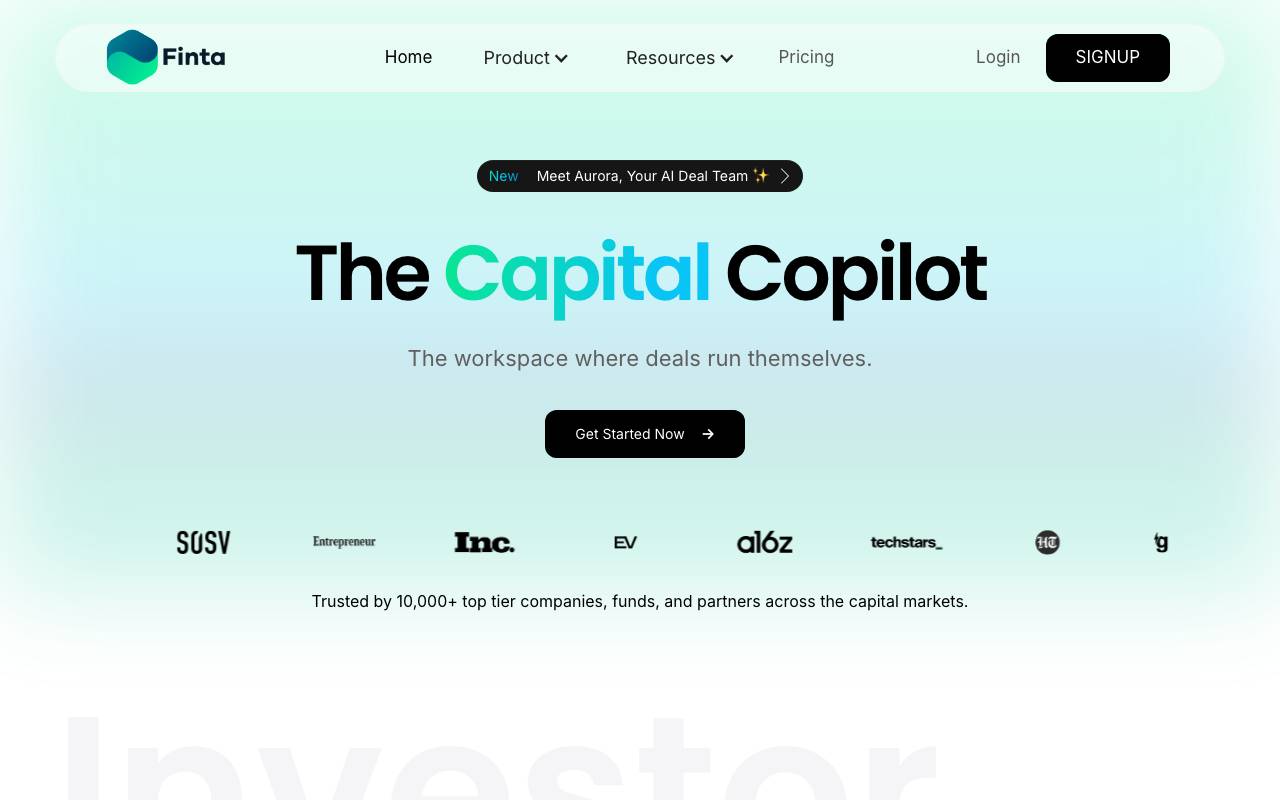

Finta
Task automation
AI workspace for fundraising, investor relations, and deal management


Recruit CRM
Task automation
AI-powered ATS and CRM built for recruitment and staffing agencies.
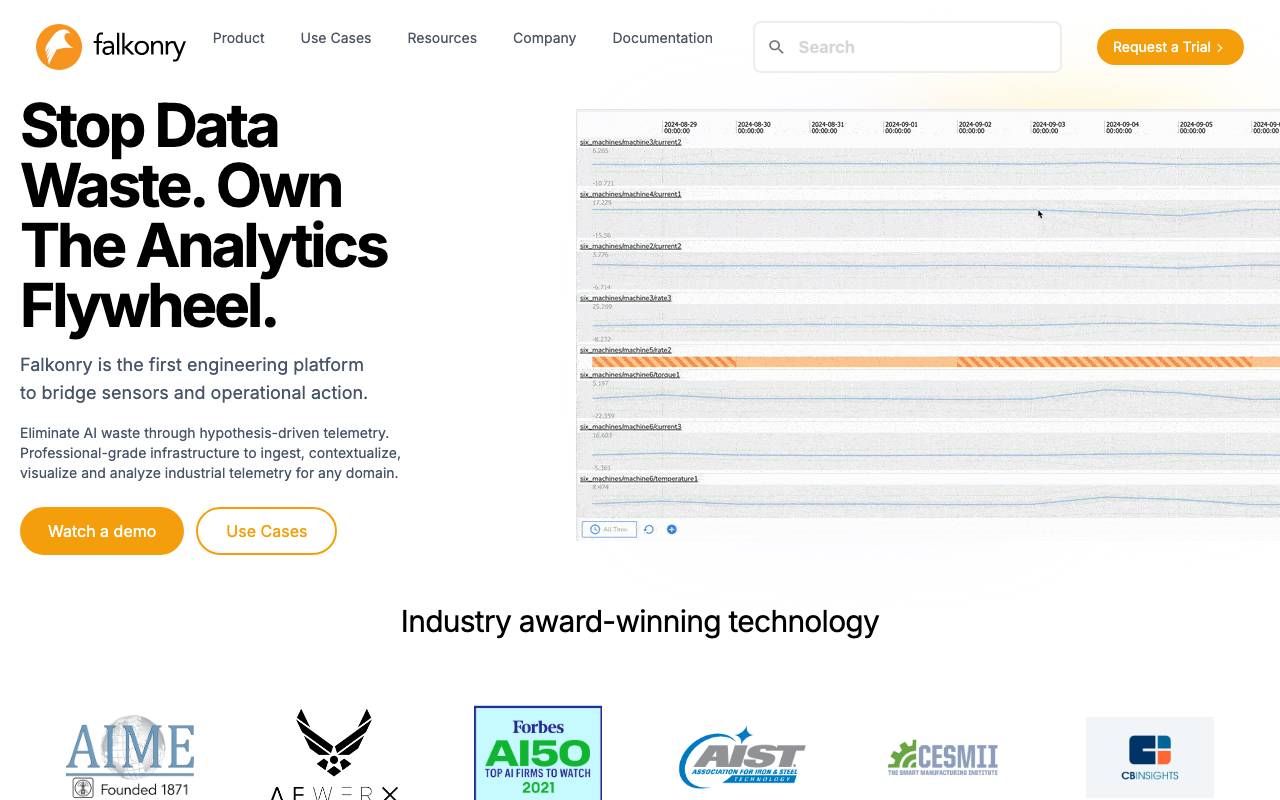

Falkonry
Task automation
Predictive AI for operational time-series data and automated action.
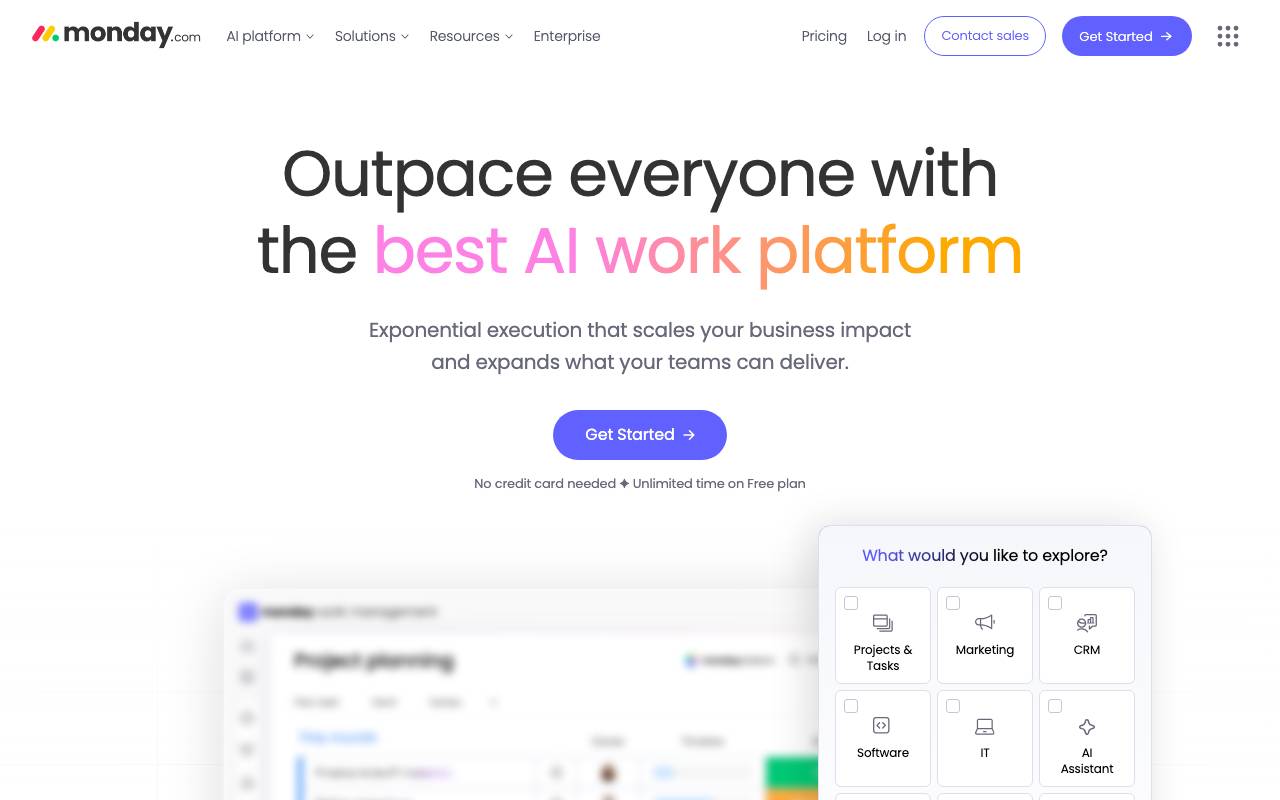

Monday AI
Task automation
AI-powered automation built into monday.com for smarter team workflows


Wayve
Task automation
UK-based developer of end-to-end AI for autonomous driving
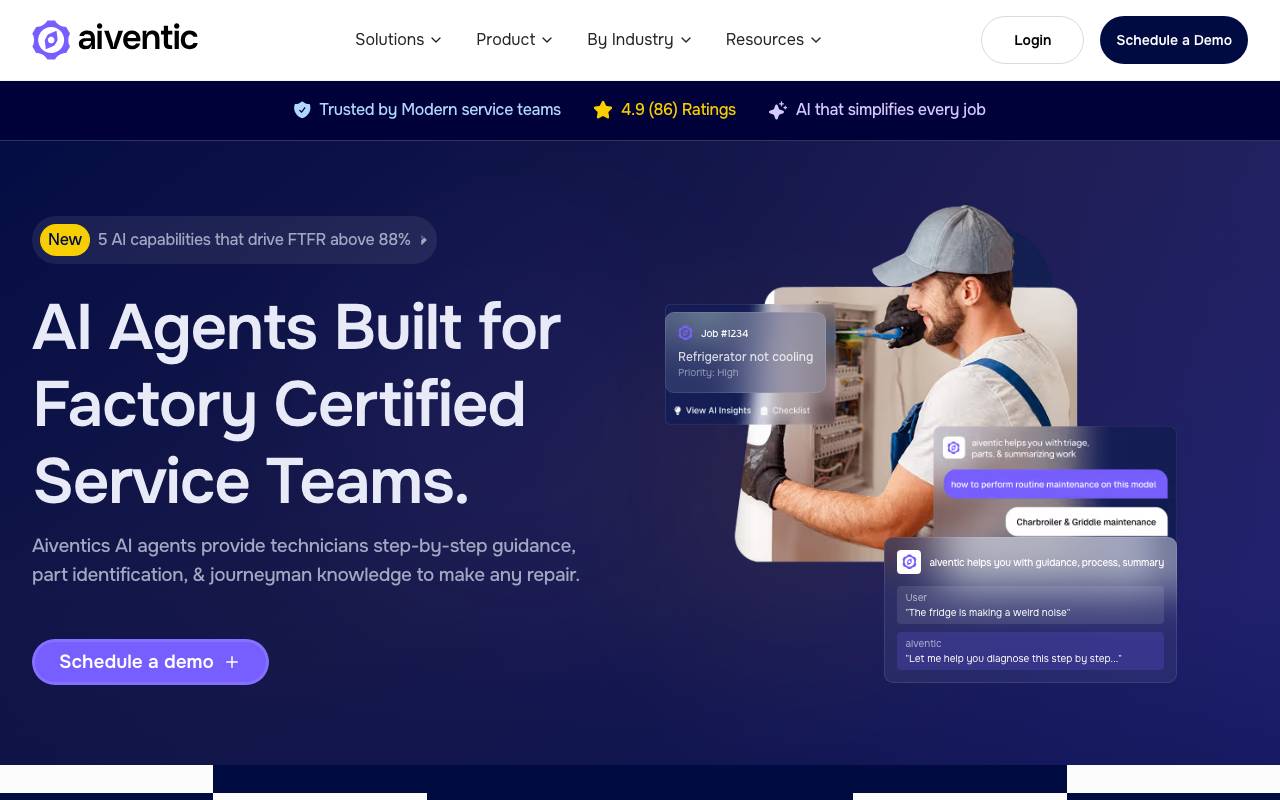

aiventic
Task automation
AI assistant that helps field service technicians diagnose and resolve service calls faster.
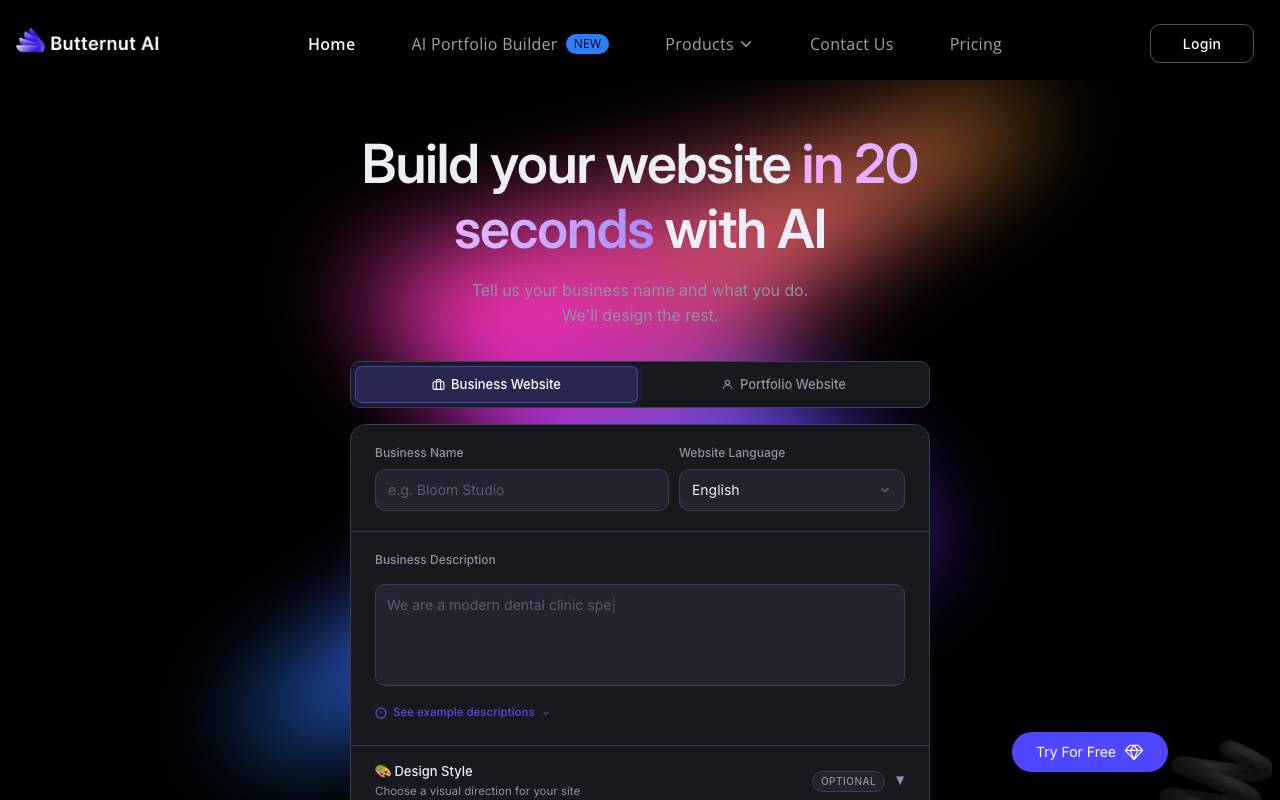
Butternut AI
Task automation
AI website builder that creates professional business sites in seconds from a short prompt.
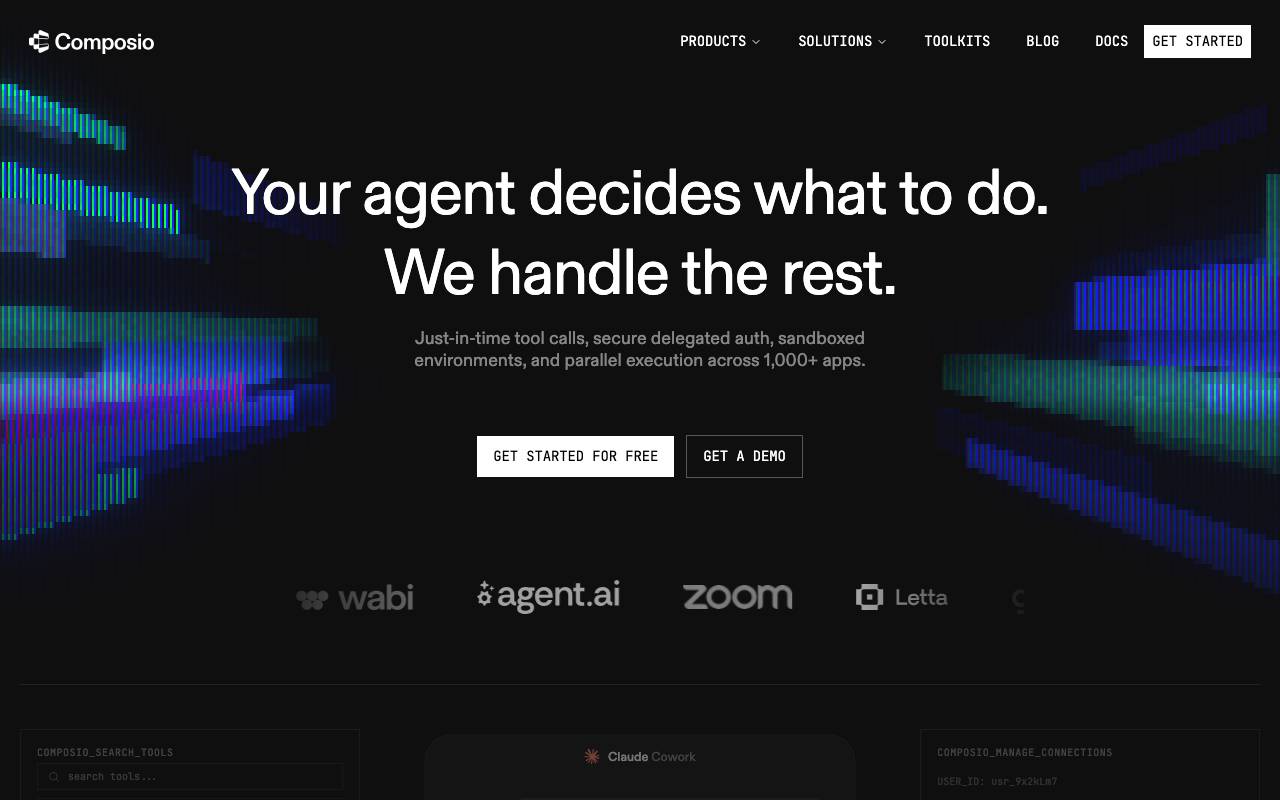

Composio
Task automation
Developer platform connecting AI agents to 140+ SaaS apps and APIs